
90-Day Roadmap: Launch a White-Label 3D Configurator for Manufacturers
A practical 90-day playbook for pergola, veranda and awning manufacturers to launch a white‑label 3D configurator with AR preview, instant branded quotes and end‑to‑end delivery.
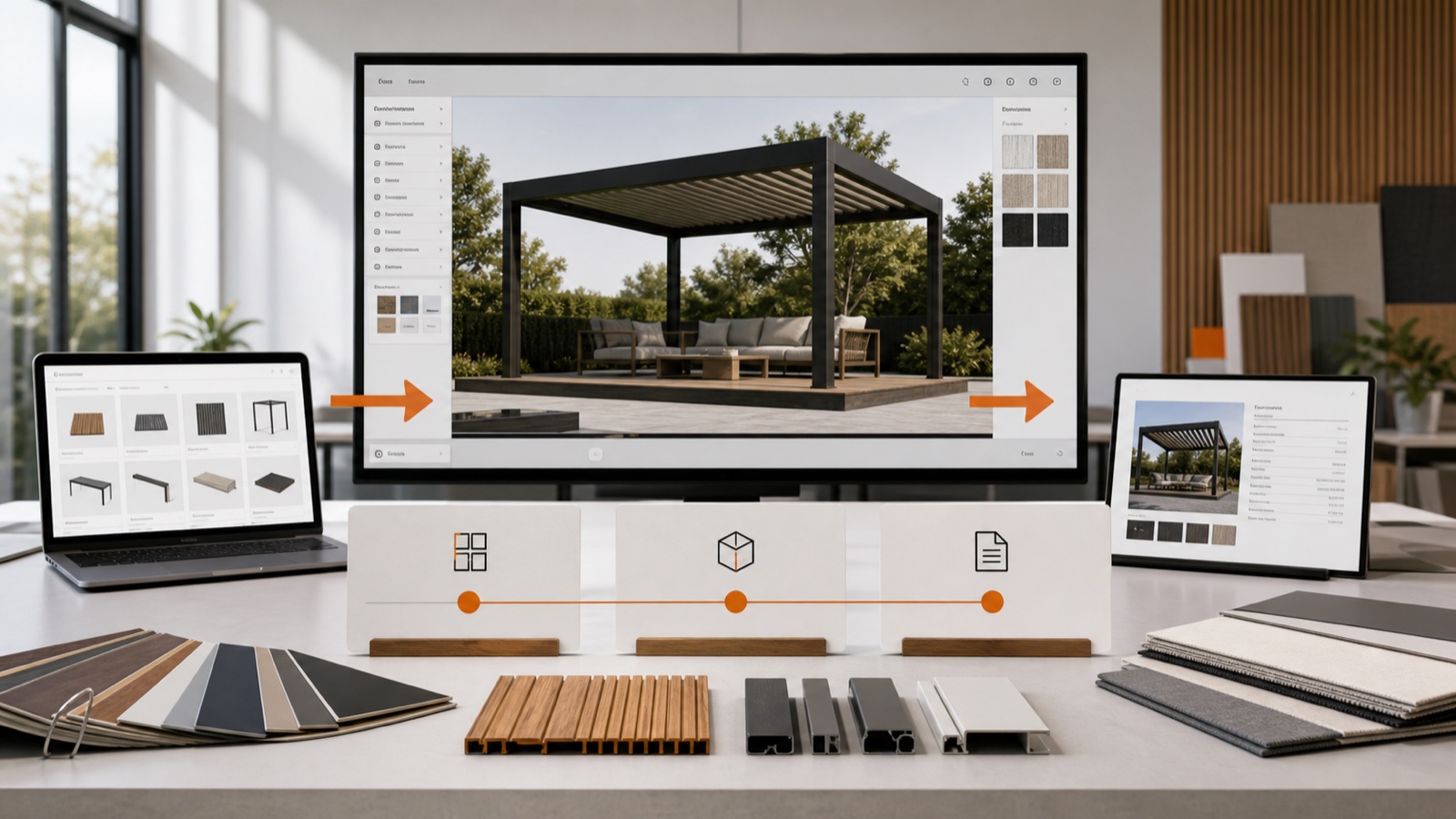
Table of contents
- Why a 90-day white‑label launch matters now
- What you should expect from a white‑label launch (non‑negotiables)
- The 90‑day, week‑by‑week roadmap (what to do and why)
- Detailed 12‑week checklist (practical actions)
- Integration and technical notes (short primer)
- Web tech and AR maturity
- Typical pitfalls and how to avoid them
- KPIs to measure in the first 90 days
- How Configurix helps you hit the 90‑day deadline
- Fast launch checklist (one‑page summary)
- Next steps: pilot package we recommend
- Final thought
- Sources
Why a 90-day white‑label launch matters now
Manufacturers of pergolas, verandas, awnings and outdoor‑living products face rising demand for personalized buying experiences and faster dealer enablement. Market research shows the product‑configurator market is growing quickly as brands move away from spreadsheets and disconnected tooling — making a fast, repeatable rollout for distributor and dealer networks a strategic priority. (emergenresearch.com)
If your goal is to get a production‑grade, white‑label 3D configurator that dealers can use to sell, quote and schedule installs (not a slow one‑off custom project), a focused 90‑day program is realistic and high‑impact. This guide maps the practical steps to go from kickoff to dealer roll‑out and signed first orders — while keeping brand control, pricing integrity and installation readiness at the centre.
What you should expect from a white‑label launch (non‑negotiables)
A white‑label 3D configurator for outdoor products must do more than look nice. At launch you should have:
- Real‑time, photoreal 3D that enforces engineering rules (what can be built).
- AR preview so consumers can visualise the product on their actual house or garden.
- Automatic, margin‑protected pricing that updates per option and dimension.
- Branded, factory‑compliant PDF quotes with 2D plans and e‑sign capability.
- Dealer sign‑in and branded output (white‑label: logo, color, domain).
- Lead capture widgets that push data into a central CRM and trigger follow‑up automation.
- Shared calendar and scheduling so quotes can turn into booked site visits and installs.
Configurix delivers all of the items above as a single platform: real‑time 3D + AR previews, automatic pricing and branded PDF quotes, plus CRM, automation and a shared calendar — so a manufacturer can publish a single, controlled configurator to every distributor and installer in the network. (configurix.com)
The 90‑day, week‑by‑week roadmap (what to do and why)
Below is a practical 12‑week plan that balances catalogue work, testing and dealer onboarding. The table shows the high‑level milestones and key outputs you need at each stage.
| Weeks | Focus | Key outputs |
|---|---|---|
| 1–2 | Kickoff & scope | Project charter, product matrix, pricing rules, target dealer list |
| 3–4 | 3D modelling & rules | Parametric 3D models, selectable options, build/engineering constraints |
| 5–6 | Pricing engine & PDF templates | Live pricing rules, margin controls, branded PDF template with 2D plans |
| 7–8 | AR, CRM & integrations | AR asset optimisation, lead capture widget, CRM pipeline, calendar sync |
| 9 | QA & pilot | Site‑specific AR tests, pricing stress tests, pilot quotes with 1–2 dealers |
| 10 | Training & sales kit | Dealer playbook, demo videos, quick reference guides |
| 11–12 | Rollout & measurement | Full dealer rollout, first 30‑day KPIs dashboard, support SLA |
This compressed timeline is achievable because modern SaaS configurator platforms publish the heavy lifting (rendering, PDF generation, CRM workflows) as built‑in capabilities — you focus on product fidelity, pricing and dealer adoption instead of building infrastructure from scratch. Industry guidance on configurator projects shows SaaS deployments often compress time and cost versus bespoke development, provided product rules and data are available. (gokickflip.com)
Detailed 12‑week checklist (practical actions)
Week 1–2: Kickoff
- Align outcomes: conversion uplift target, quote speed target, install readiness target.
- Assemble a content team: product manager, CAD/3D modeller, pricing specialist, dealer success lead.
- Export product catalogue (SKUs, part codes, cost, lead times, compatibilities).
Week 3–4: Build parametric 3D models
- Model parametric parts (posts, beams, blades, glazing panels, motors) so dimensions and options drive one asset.
- Tag engineering constraints in model metadata (max spans, cantilever limits, required fixings).
- Create material libraries (powdercoat, timber stains, glass tints) for photoreal previews.
Week 5–6: Configure pricing and quote output
- Implement automatic pricing rules: cost + margin bands, regional price modifiers, accessory bundling logic.
- Design the branded PDF quote with your logo, terms, 2D plan snapshot and line‑item pricing.
- Configure e‑sign and payment terms on the quote output so dealers can close on the spot.
Week 7–8: AR and backend integrations
- Optimise 3D assets for web and AR (LOD, texture atlases) so AR preview works on mobile and tablet.
- Add an embeddable lead widget for your corporate site and dealer microsites.
- Wire the configurator to the factory CRM, shared calendar and install crew task lists.
Week 9: Pilot and QA
- Run pilots with 1–2 trusted dealers using real site addresses and site photos for AR tests.
- Stress test unusual configurations to confirm pricing and BOM accuracy.
Week 10: Training and sales enablement
- Provide 30‑minute demo sessions and short how‑to videos for field reps.
- Deliver a single page ‘cheat sheet’ showing how to get a signed quote in under 20 minutes.
Week 11–12: Rollout and iterate
- Roll the white‑label configurator to the full dealer list and monitor first quotes and signed deals.
- Measure quote‑to‑close time, average order value, and site‑visit deferral rate; iterate product rules as needed.
Integration and technical notes (short primer)
Web tech and AR maturity
Modern browser 3D (WebGL / WebGPU) and mobile AR toolchains are mature: they allow photoreal rendering inside the browser and reliable AR preview experiences on mainstream phones and tablets. That means you can deliver rich, interactive 3D and AR without forcing end customers to install a native app. (developer.mozilla.org)
Typical pitfalls and how to avoid them
- Incomplete pricing data: get SKU costs and regional modifiers up front — missing data kills pilot confidence.
- Over‑detailed 3D assets: optimise for web/AR early to avoid performance bloat.
- Disconnected approvals: ensure every quote becomes a project record in the CRM to prevent lost orders.
Configurix's platform purpose‑builds this flow — the configurator, pricing engine, branded PDF generator, CRM and shared calendar live in a single product so you avoid tape‑together integrations at launch. That accelerates time to first signed order and reduces rework during production. (configurix.com)
KPIs to measure in the first 90 days
Track these to prove ROI and decide the next phase:
- Time from lead to signed quote (target: < 1 day; launch target: < 14 days, then refine to single‑visit signings).
- Quote to close rate (pilot vs. pre‑launch baseline).
- Average order value and add‑on attach rate (screens, lighting, heating).
- Install readiness rate: percent of quotes that include install date scheduled within 30 days.
How Configurix helps you hit the 90‑day deadline
Configurix is designed for manufacturers and dealer networks who need a repeatable, brand‑controlled configurator rollout. Key launch accelerators include:
- Real‑time 3D engine with parametric models so one asset serves multiple sizes and options.
- Mobile AR preview that lets consumers visualise a product on their home (raise conversion and reduce second visits).
- White‑labeling: branded domain, PDFs and dealer sign‑in so every quote looks factory‑authentic.
- Instant branded PDF quotes with e‑sign and 2D plan snapshots — dealers can close on the spot.
- Built‑in CRM, lead automation and shared calendar to convert quotes into scheduled installs without re‑entry. (configurix.com)
Product pages with examples and quick demos:
- Pergola: /products/pergola-configurator
- Veranda: /products/veranda-configurator
- Awning: /products/awning-configurator
- AC and HVAC systems: /products/ac-configurator
Start here for company context: /
Fast launch checklist (one‑page summary)
- Gather product catalogue (SKUs, costs, options) — day 0–3.
- Assign a 2‑person content team (3D + pricing) — day 0–7.
- Deliver parametric models for 80% of SKUs — week 4.
- Complete pricing rules and PDF template — week 6.
- Run pilot with 1–2 dealers and iterate — week 9.
- Full dealer roll‑out and KPI dashboard — week 12.
Next steps: pilot package we recommend
If you’re a manufacturer ready to run a 90‑day launch, we recommend a focused pilot: publish 1 product line (for example, a single pergola family), onboard 2–4 dealers, and measure lead capture, time‑to‑quote and first‑visit closes. Use the pilot data to expand models and automate regional pricing rules across the network.
Configurix offers both factory control and flexible dealer branding so you retain engineering accuracy and pricing governance while giving dealers a sales tool they can use in the field.
Final thought
A white‑label 3D configurator is not just a marketing widget — when executed as a connected system (3D + AR, pricing, branded PDFs, CRM and scheduling), it becomes your network’s single source of truth for sales and delivery. With the right scope and a focused 90‑day roadmap, manufacturers can turn catalogs into configured, priced and install‑ready orders without years of custom engineering.
Sources
MDN Web Docs — WebGL (2025)
Emergen Research — US Product Configurator Market Report (2024)
Cognitive Market Research — Global Product Configurator Software Market Report (2023)
Bemeir — Complex Product Configurator Implementation Checklist (2026)
Configurix — product and platform overview (2026)
Ready to try Configurix?
See how the configurator, quoting and CRM work together for your business.
Book a demo →Related articles
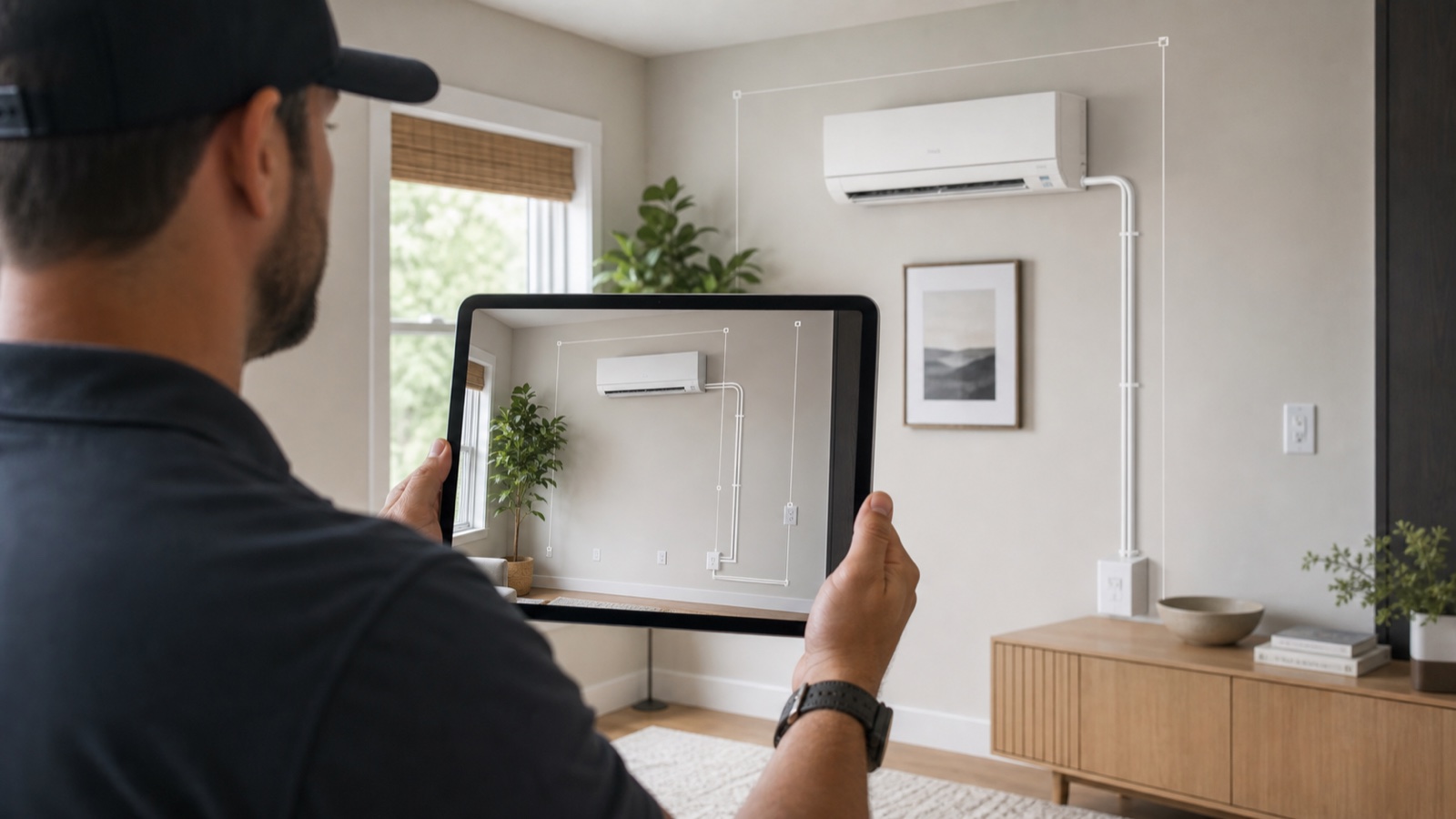
Complete Ductless Mini‑Split Site Surveys in 20 Minutes with 3D + AR
A step‑by‑step mobile workflow for HVAC techs: use smartphone AR + real‑time 3D to capture measurements, produce instant branded quotes, and schedule installs — all in ~20 minutes.
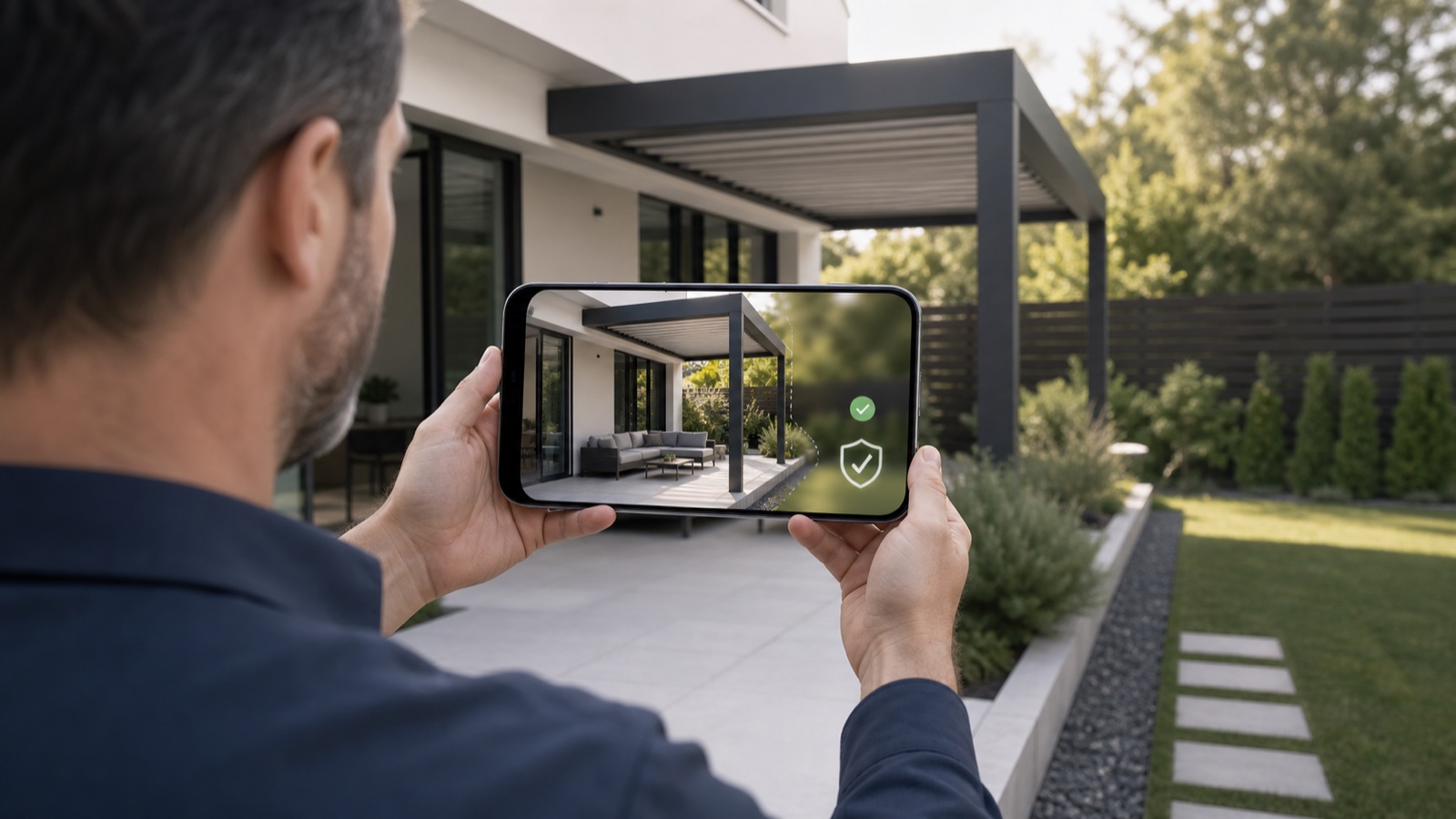
Photo Privacy for AR Quotes: Guide for Pergola & Awning Installers
Collecting customer photos for AR previews speeds sales—but mishandling them risks privacy, fines and lost trust. A practical checklist for installers to capture, store and use site photos safely—plus how Configurix handles consent, EXIF, security and retention.
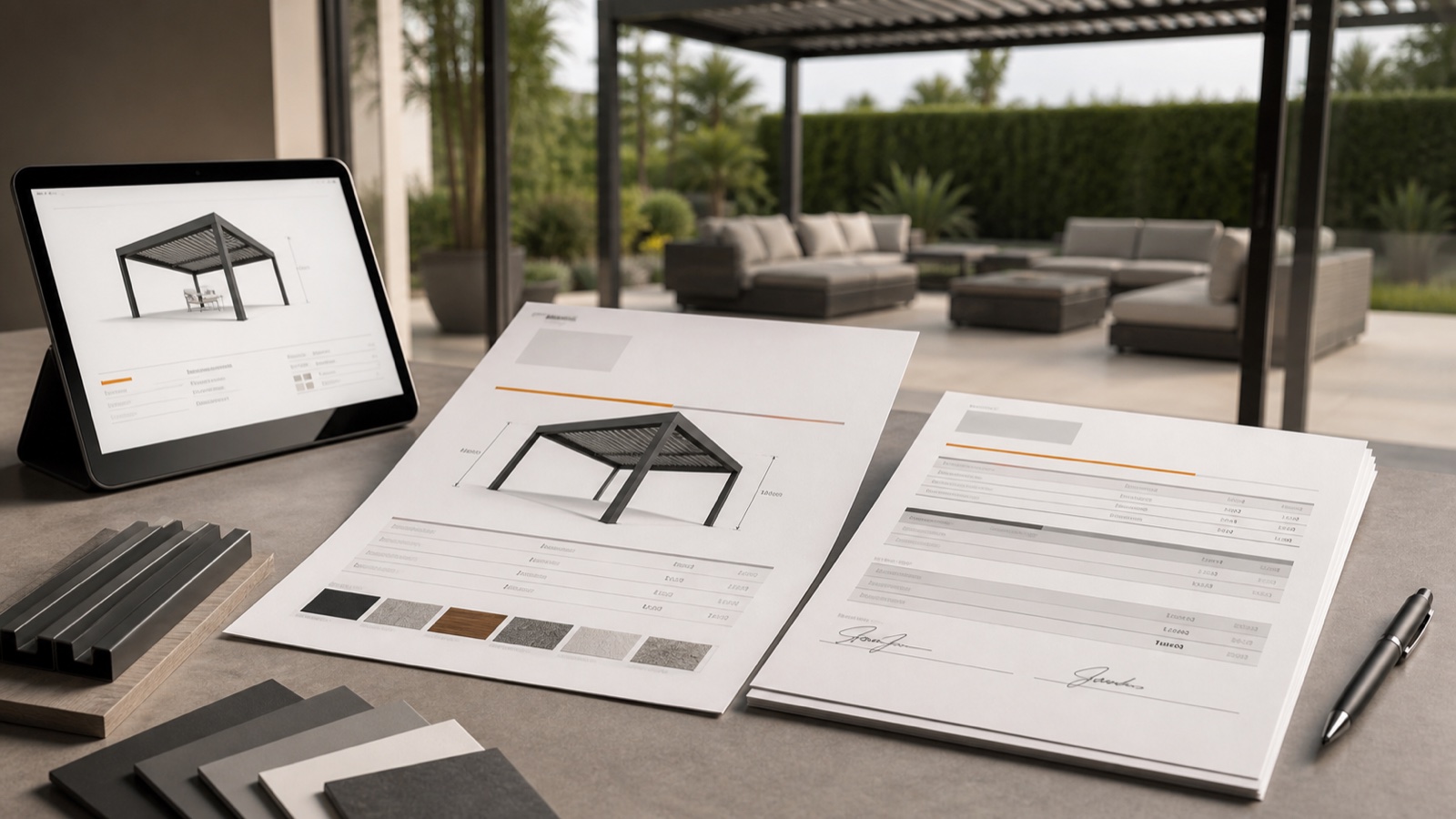
How to Build Branded PDF Quotes That Close Pergola & Awning Sales
A step-by-step guide for installers and dealers to design instant, branded PDF quotes that convert: visuals, scope, permit notes, pricing transparency, e-sign and automation — using real-time 3D + AR to win decisions faster.
Reduce Pergola & Awning Install No‑Shows with AR Quotes & Automated Reminders
Cut cancellations and no‑shows for pergola, veranda and awning installs by combining AR previews, instant branded quotes, deposits, e‑sign and automated SMS/email reminders—one workflow from lead to install.