3D awning configurator for manufacturers and dealer networks

Configure every awning— from dimensions to order.

Configurix connects awning families, width and projection rules, arms, cassettes, fabrics, motors, sensors and mounting choices in one guided 3D project—with account pricing, branded quotes and reusable order data connected to the selected product.

Full-cassette, semi-cassette, open, drop-arm and vertical systems
Width, projection, arm, fabric, motor, sensor and mounting rules
Customer website, dealer portal, showroom and internal sales workflows
Live account pricing, branded quotes and optional BOM handoff
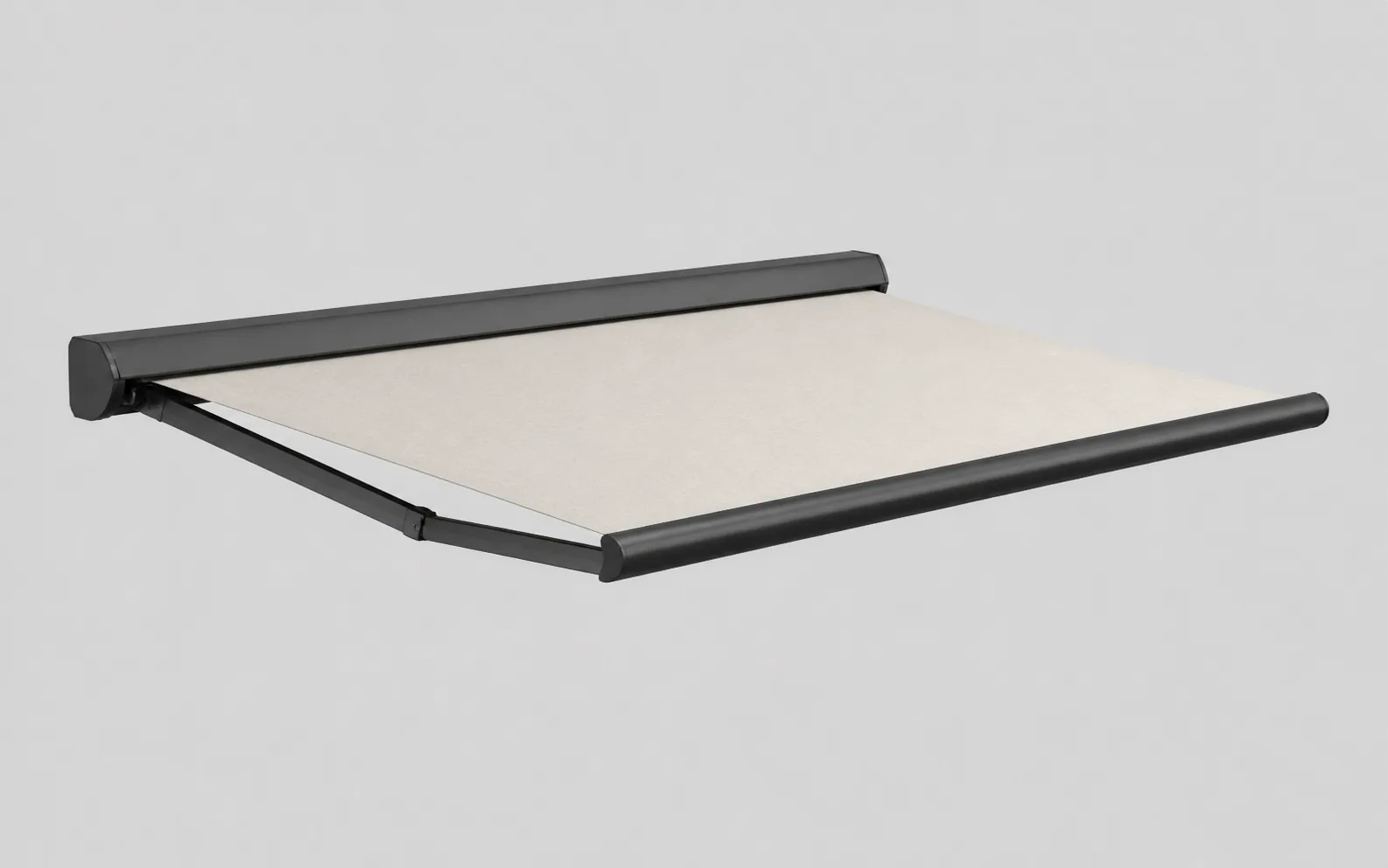
Isolated illustrative retractable awning product render

Connected awning workflow

The dimensions, construction, fabric, price, quote and order data stay connected.

Awning configuration software defined

An awning project is a size matrix, product system and installation context.

Made-to-measure awnings are governed by relationships. Width and projection affect the permitted arms, cassette, roller and bracket arrangement. Fabric collections, motors, sensors, lighting, valances and mounting types add further compatibility and price decisions.

A manufacturer-focused configurator represents those relationships as one structured project. When a user changes the width, projection, family or motor package, the 3D product and configured data can respond together instead of leaving the dealer to reconcile a visual selector, price book and order form.

Configurix can use the same governed catalogue across a manufacturer website, distributor portal, showroom and installer workflow. Product families, fabrics, price lists, languages and permissions can differ by account or market without creating unrelated product models.

Final dimensions and installation conditions remain a professional responsibility. Substrate, bracket layout, fixings, wind exposure, structural loads, access and electrical work must be validated through the survey and approval process defined by the manufacturer or installer.

Model the awning decisions that drive compatibility, price and the accepted order.

The product model is built from the manufacturer's families, size matrices, fabric collections, accessories, commercial data and required handoff—not from a generic retractable shade animation.

Systems and dimensions

Guide the buyer through the awning families and sizes that can be supplied.

  • Full-cassette, semi-cassette, open, drop-arm and vertical systems
  • Width, projection, pitch, increments and size-matrix rules
  • Arm count, cassette, roller and front-profile compatibility

Fabric and finish

Present real collections while preserving their catalogue identity.

  • Fabric collections, codes, colours, patterns and price groups
  • Frame, cassette, front-bar and component finish ranges
  • Valance, print, seam, fabric direction and market availability

Motor and control

Connect automation choices to compatible product systems.

  • Manual, wired, radio and smart-control configurations
  • Remotes, switches, hubs, wind and sun sensors
  • Lighting, heating and approved electrical accessories

Mounting and pricing

Keep installation choices visible in the commercial calculation.

  • Wall, ceiling, roof and other approved mounting conditions
  • Brackets, plates, fixings, delivery and installation items
  • Dealer price lists, margins, currencies, taxes and discounts

Quotes and sales channels

Present one catalogue through public, trade and assisted journeys.

  • Website, showroom, dealer and internal-sales interfaces
  • White-label identity, languages and market-specific catalogues
  • Saved projects, branded quotes, revisions and approvals

Order and system data

Preserve the accepted awning beyond the sales screen.

  • Model, dimensions, fabric, motor, accessories and price data
  • Optional BOM, configured-order or production-review handoff
  • CRM, ERP, PIM, ecommerce, API, EDI and webhook connections

One connected process

From opening dimensions to a reviewed awning order.

The buyer, dealer, surveyor and operations team can continue from the same structured awning while each role sees the appropriate visual, commercial and technical detail.

Define the project

Choose the awning family

Capture the installation context, width, projection and product range required for the opening and customer journey.

Configure the product

Apply valid options

Select cassette, arms, fabric, frame finish, valance, motor, controls, sensors and mounting within catalogue rules.

Build the offer

Calculate and quote

Use the configured awning to apply the correct account price list and create the visual commercial proposal.

Validate and continue

Survey, approve and hand off

Confirm dimensions and fixing conditions before passing the accepted specification and order data forward.

A fabric selector shows a colour. A connected configurator governs the complete awning.

Manufacturers should test whether the software responds correctly when dimensions, construction, automation and installation choices change—not only when a swatch changes.

RequirementConfigurix awning implementationFabric or finish selector
Dimension compatibilityWidth, projection, arms and cassette can follow the manufacturer's permitted matrices.Usually applies a finish to one prepared standard product.
Motor and sensor rulesAutomation, controls, sensors and electrical options can remain linked to compatible systems.Accessories are commonly shown as independent choices or a later checklist.
Installation packageMounting condition, brackets and approved project items can remain part of the saved configuration.Fixing and site requirements are normally handled outside the selector.
Live account pricingThe project can use dealer-specific products, prices, discounts and margin permissions.Pricing is often absent or rebuilt in separate quoting software.
BOM or order handoffAccepted awning, fabric, motor and accessory data can be mapped to downstream systems.Usually exports a colour choice, image or enquiry rather than governed order data.

Awning configurator FAQ

Questions manufacturers and dealers should test before choosing software.

Systems, dimensions, fabrics, automation, mounting, pricing, dealer access, quotes, BOM data, integrations and site validation.

Scopri il sistema dal vivo

Prenota una demo. Guarda Configurix dal vivo.

Una presentazione gratuita e senza impegno, adattata al modo in cui il tuo team configura, preventiva e consegna.

Prenota una demo
Guida prodotto Configurix illustrativa con T-shirt del marchio

Il tuo catalogo. Le tue regole. Un unico flusso.